Transition
Moving Forward Together. Online Event, Activity, and Facility Reservations

Transition from Tentaroo to Black Pug Software
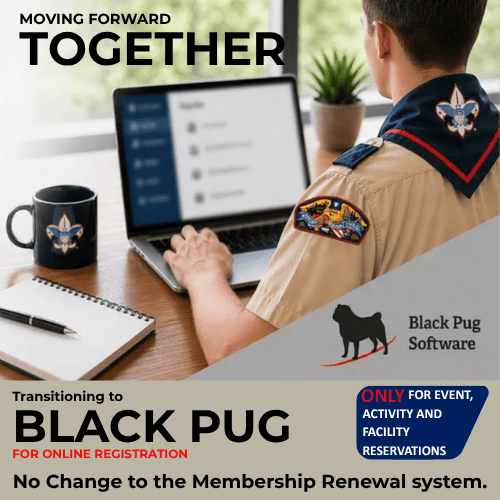
Scouting South Louisiana (previously known as Calcasieu Area Council, Evangeline Area Council and Istrouma Area Council) has transitioned our online event, activity and facility reservation platforms from Tentaroo to Black Pug Software.
NOTE: No change to the my.Scouting.org member registration system.
What This Means for You
- Begin using Black Pug for all events, activity, and facility reservations
- Expect a more integrated and user-friendly registration experience moving forward
Get Started
The South Louisiana Council Program Launch includes materials and videos on using Black Pug. The videos will:
- Walk through the registration process
- Highlight key features for unit leaders
- Provide practical guidance to ensure a smooth transition
This will be an excellent opportunity to get familiar with the system ahead of broader rollout.
Black Pug Tutorials
Our online event, activity and facility reservation platforms have transitioned from Tentaroo to Black Pug Software. There is no change to the my.Scouting.org member registration system.
These tutorials (typically less than 4 minutes each) can help you navigate the Black Pug system, a third-party provider, will be used to create and manage your unit event, activity and facility registrations. Automated notifications, such as event reminders, sent through the Black Pug platform will come from “247scouting.com”.
NOTE: There will be more videos posted as we progress. If you have a question, please contact the Service Center office nearest you for additional support.
Video Link: Setting Up an Account (1:41)
By creating a Black Pug account, you will be able to save your activity data and register more quickly. If you are a Committee Chair, be sure to register using the email address on file in my.scouting.org. This will automatically sync your unit and allow you to access your unit’s roster.
Closer to August 2026, you will be able to create a Black Pug account. This account is not tied to your my.scouting.org or Scoutbook login credentials. If you set up your Black Pug account using the same email address listed in my.scouting.org, you should not need to reset your Black Pug password.
Video Link: Registering For Events (2:40)
These videos will help you understand the main registration page to help you find the information you need, learn how to update participant information, and complete the checkout step.
Video Link: Selecting Classes (2:35)
Add or manage classes for an individual attendee by opening their record, selecting Update Information, and using the Schedule field to choose classes. Selecting a class adds it to the attendee’s schedule and automatically removes any conflicting options. Once selections are complete, you can view and print the attendee’s class schedule, and print blue cards if merit badge classes are included.
Video Link: Accessing Your Unit Roster (3:24)
Once a month Council Operations will update the unit membership roster in Black Pug to assist you in registering on behalf of your unit and to validate that participants’ memberships are current and in the correct unit. If you are a Committee Chair or Cubmaster/Scoutmaster, you are already linked to access the roster. If you are a “trusted user” who signs up your unit for events, your leadership or Council Operations can add you to see the unit roster when you log in.
Using the roster function allows you to register without typing in the full details for youth and adult participants who are registered in your unit. Anyone in your unit with roster access will be able to see the roster and use it when registering.
We cannot update rosters for out of council units.
Video Link: Completing Registration for Events (3:54)
You must complete the checkout step in order to secure a spot, even if no fees are due. If a participant is added, but the checkout step is not completed, the person is not confirmed to attend and someone else can book that spot.
Video Link: Creating a Camp Reservation (3:25)
Create a camp reservation by locating camps within the council, selecting facilities or equipment, choosing dates using the availability calendar, and completing a reservation through checkout. Learn how to enter group details, add required contacts and leaders, review council policies, and submit payment to finalize their reservation.

© 2026 Scouting America – All Rights Reserved.